- Navigate to https://operate.seatzapp.com/login
-
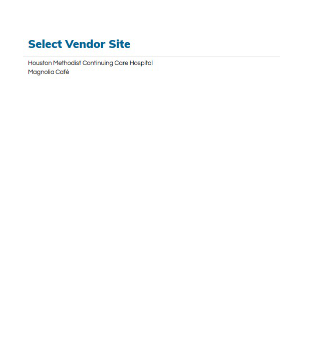
Select the vendor site.
-
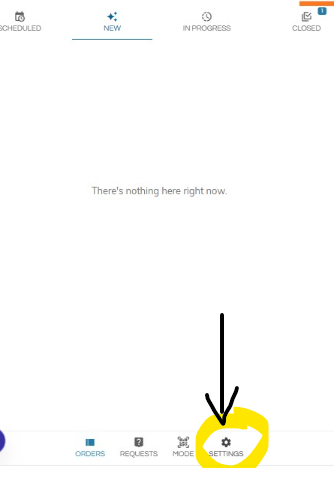
Click "settings" in the bottom right hand corner.
-
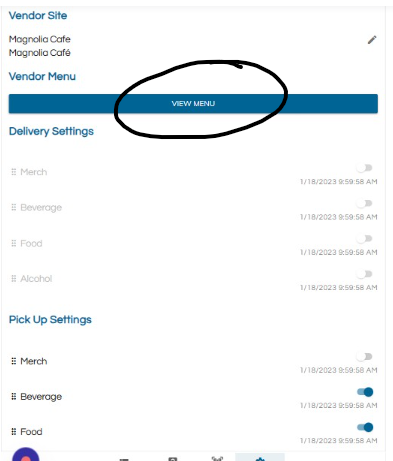
Click "VIEW MENU"
-
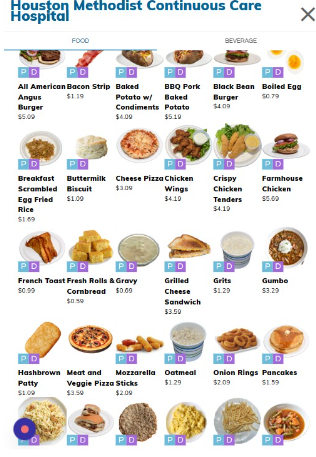
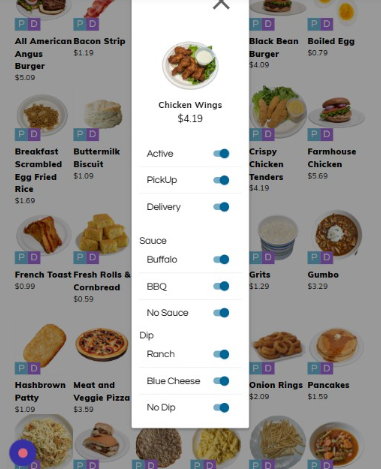
Select the product you want to make active or inactive. If there is a PD on the product image, that means the product is active. If there is no PD on the product image, the product is inactive and not visible in the customer facing app.
-
You can also toggle item options active/inactive.
-
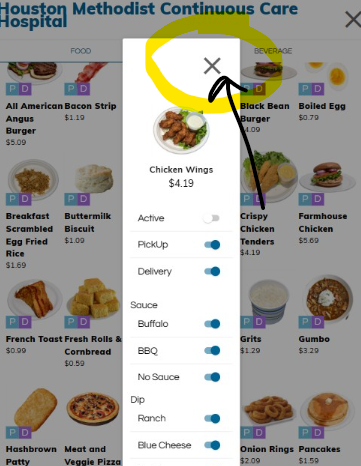
Click "X" (close) to save.
-
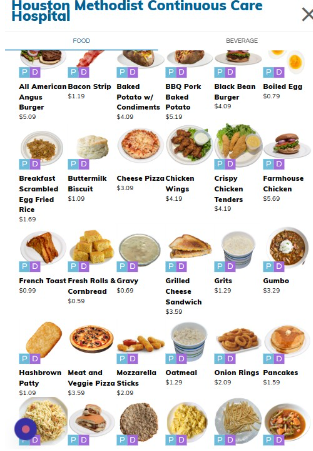
You can see "Chicken Wings" no longer has "PD" on the product image, therefore it is inactive.
English
![RT main- with logos.png]](http://help.seatzapp.com/hs-fs/hubfs/RT%20main-%20with%20logos.png?height=50&name=RT%20main-%20with%20logos.png)